

First Time Setup for Chatgpt Monitoring
1. Setup your keywords
-
Create an ogtool.com account
-
Setup Chatgpt/Reddit keywords during onboarding or in keywords
-
Pick keywords designed to mention you or your competitors
- “What”
- “What’s the best chatgpt montoring tool for businesses?”
- “What’s the best alternative to CompetitorX?”
- Not “How” — “How to generate leads”
- “What”
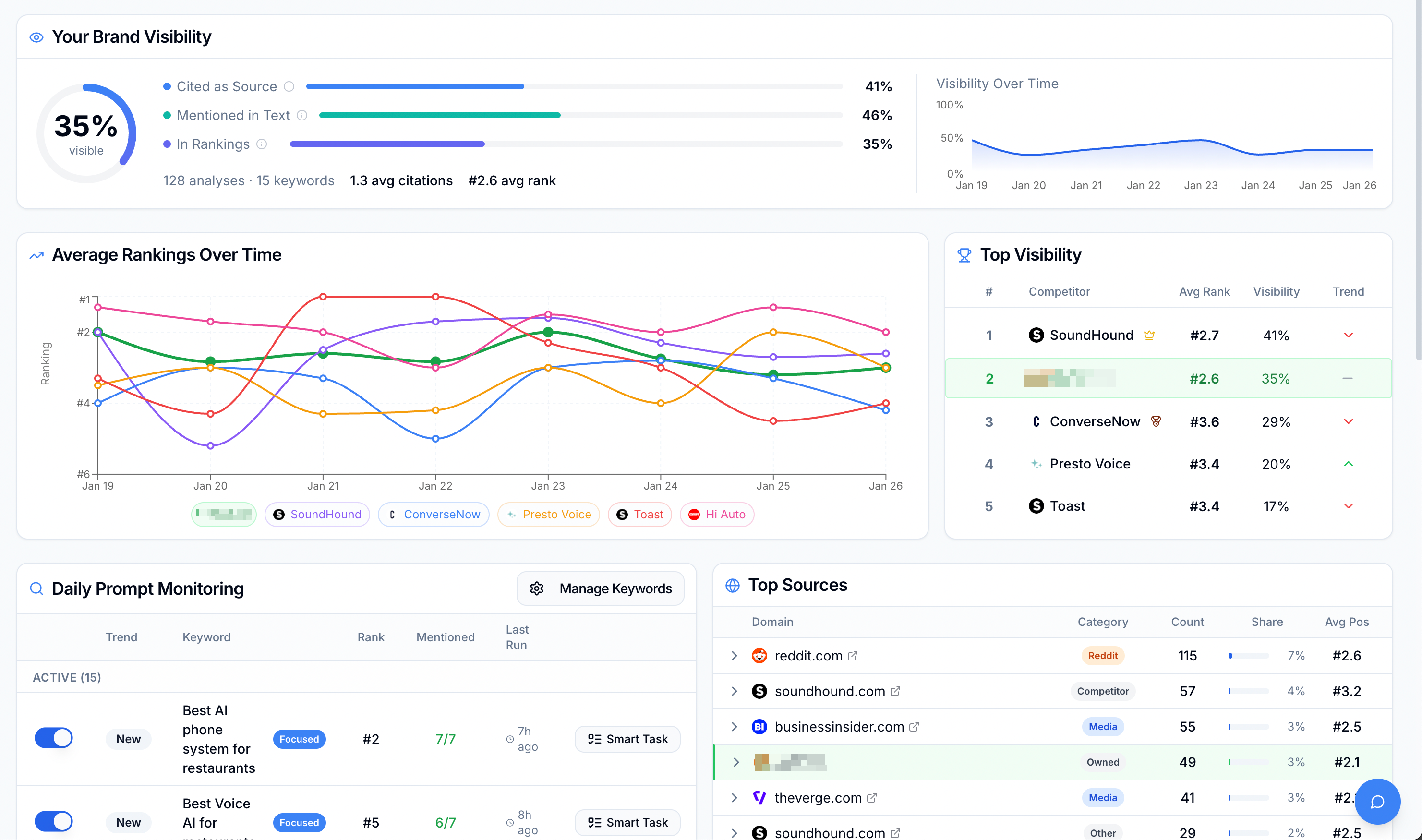
2. Establish a baseline
- Go to your dashboard
- Get your current visibility baseline for your keywords
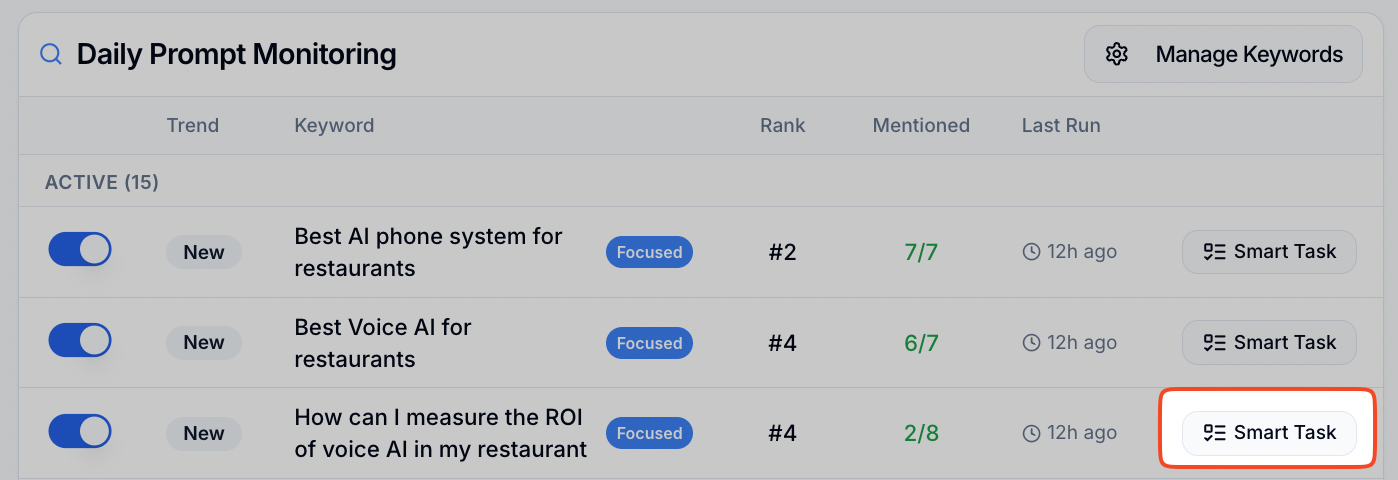
3. Generate a smart task
- Now its time to improve it
- Pick a keywords with low visibility
- Generate a smart task
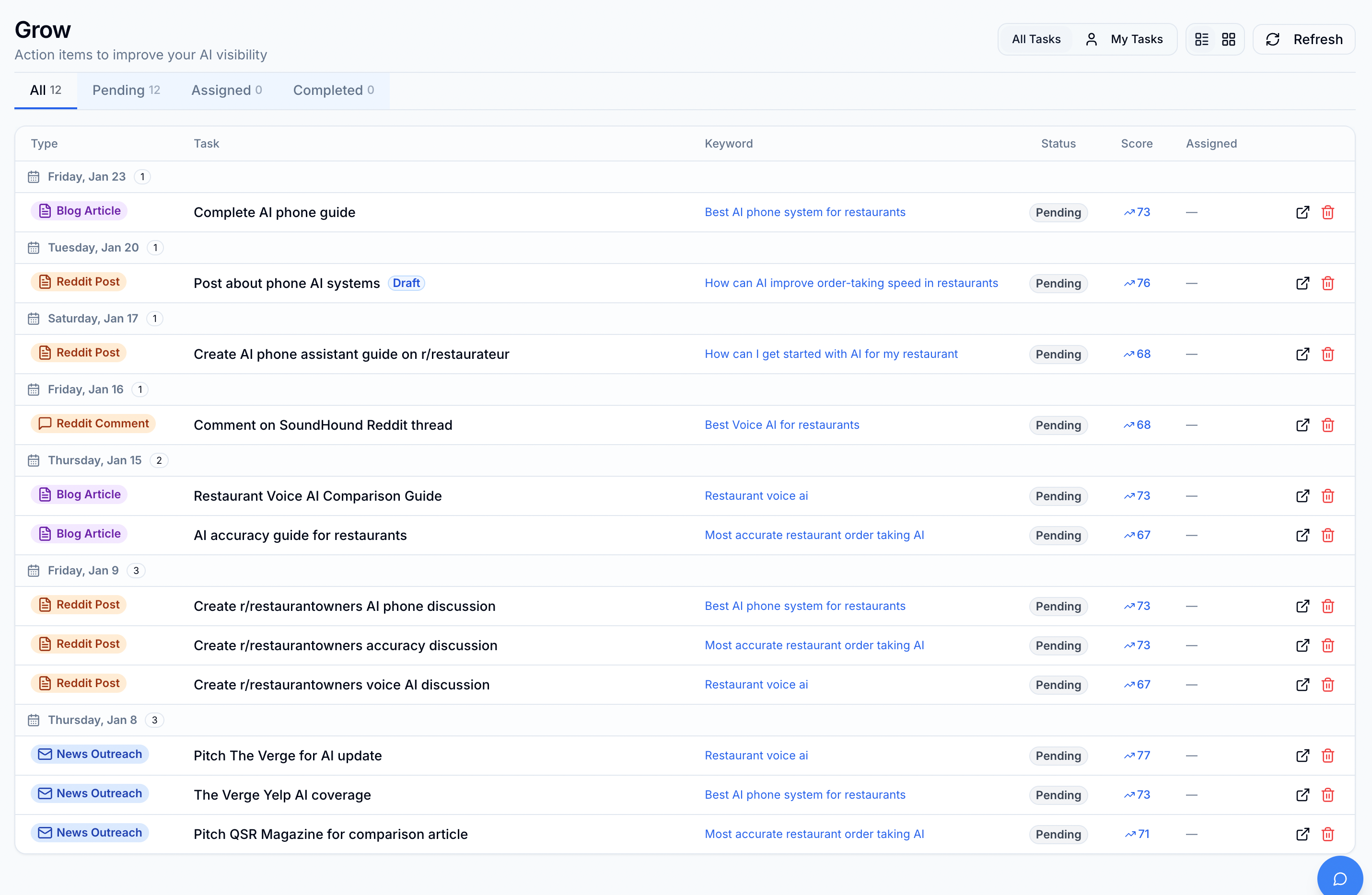
4. Start a smart task
-
I tend to do
- 1 reddit comment a day
- 1 blog post a day
- 1 reddit post a week
-
If I need help, I assign the task to another member
- (eg: All reddit comments go to John)
5. Generate the content
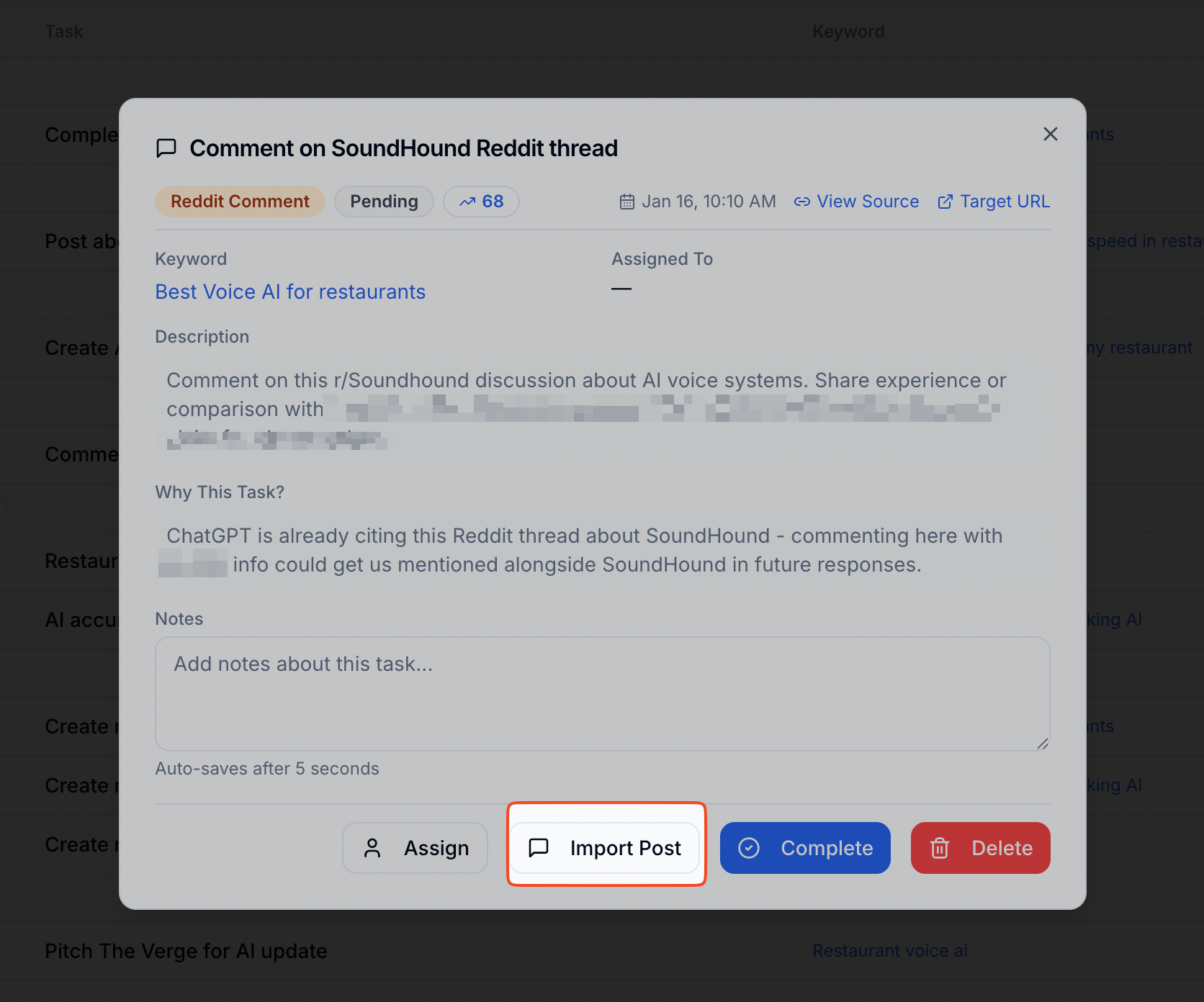
- To generate a reddit comment, click on import post
-
To generate a blog, click generate.
-
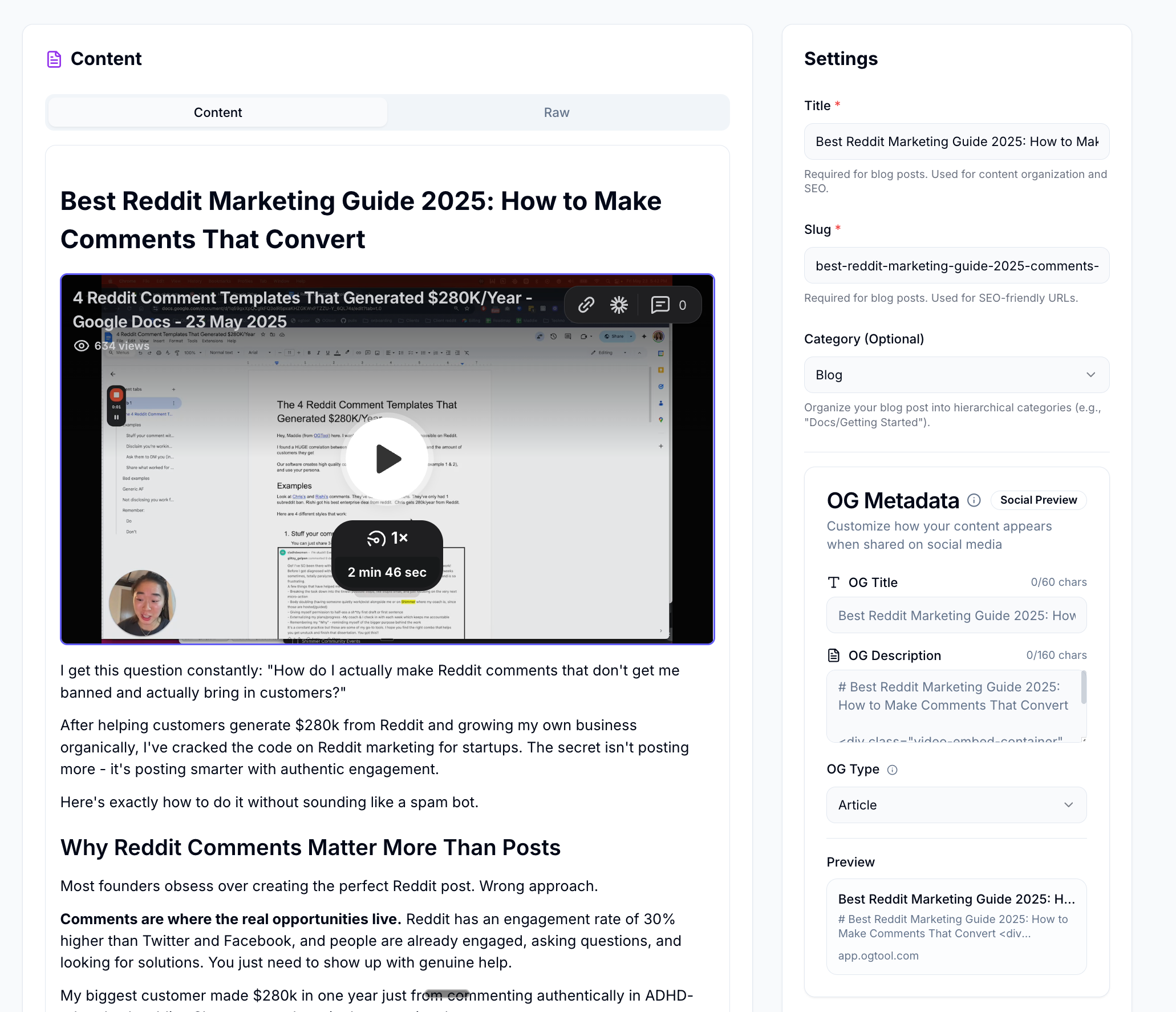
Review the generated blog
-
Publish in 1 click
-
It will have all your images/videos from your knowledgebase during blog onboarding
-
6. Start monitoring wins
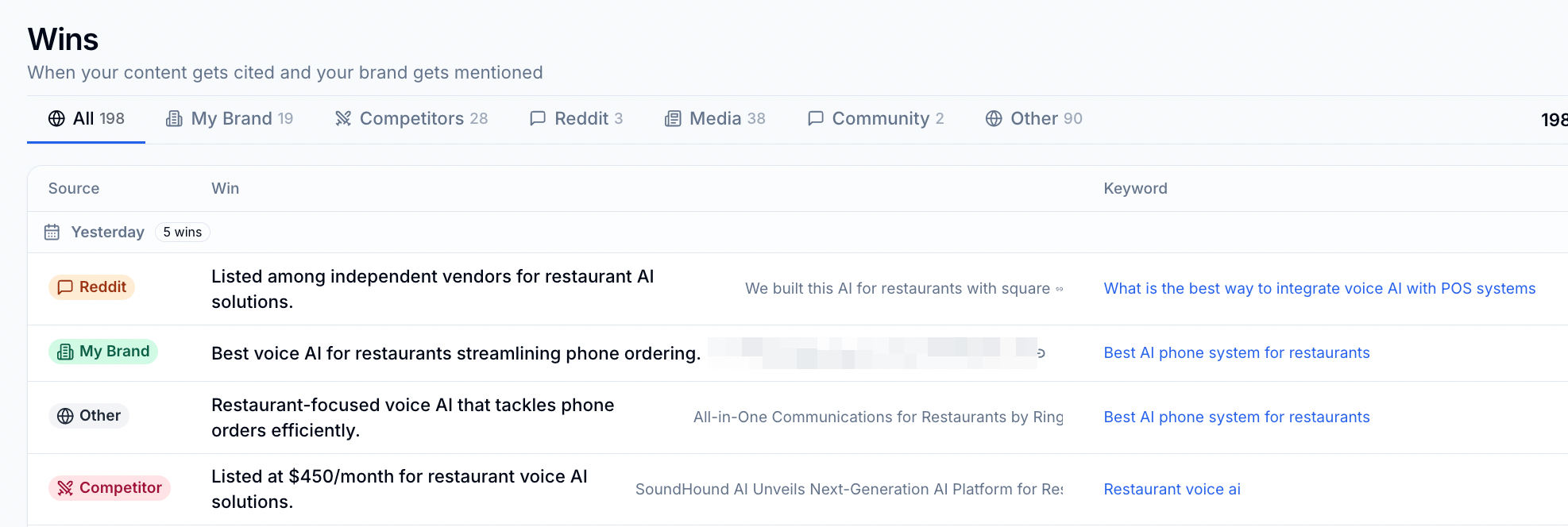
- The next day, go to wins
- See if your content is being cited by Chatgpt
- We’ve had wins the next day from our Reddit comments
- We’ve had clients get multiple citations from blog posts created through OGTool.
7. Start monitoring Chatgpt/Reddit
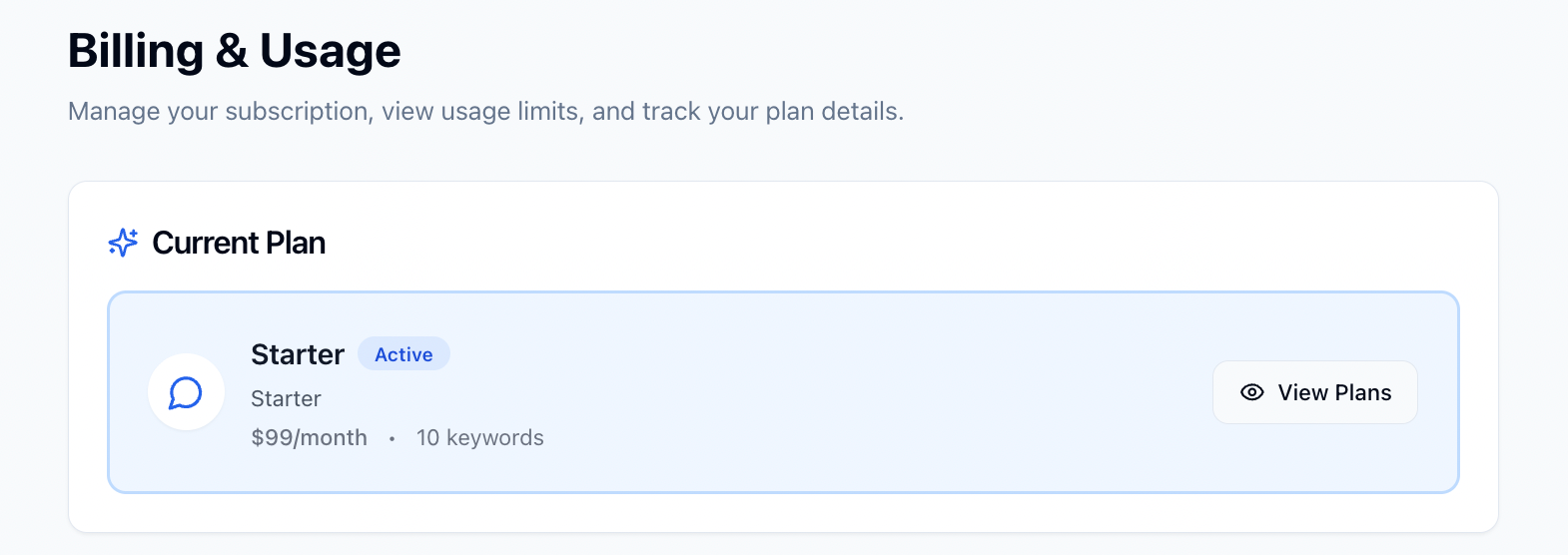
- Activate your account with the Starter plan.
- You will be able to monitor your wins, chatgpt, and reddit live
- You will start seeing posts and citations come in, complete smart tasks, and rack up wins.
8. Delegate to a teammate
- Recommended target
- 1 reddit comment a day
- 1 blog post a day
- 1 reddit post a week
- Make sure to onboard your company blog in the blogs page before you start, so your blogs will have you images/videos/backlinks.
- Don’t do more than 5 comments a day. Reddit flags usually high activity.